Audio Damage AD049 Enso 1.1.0 for Mac
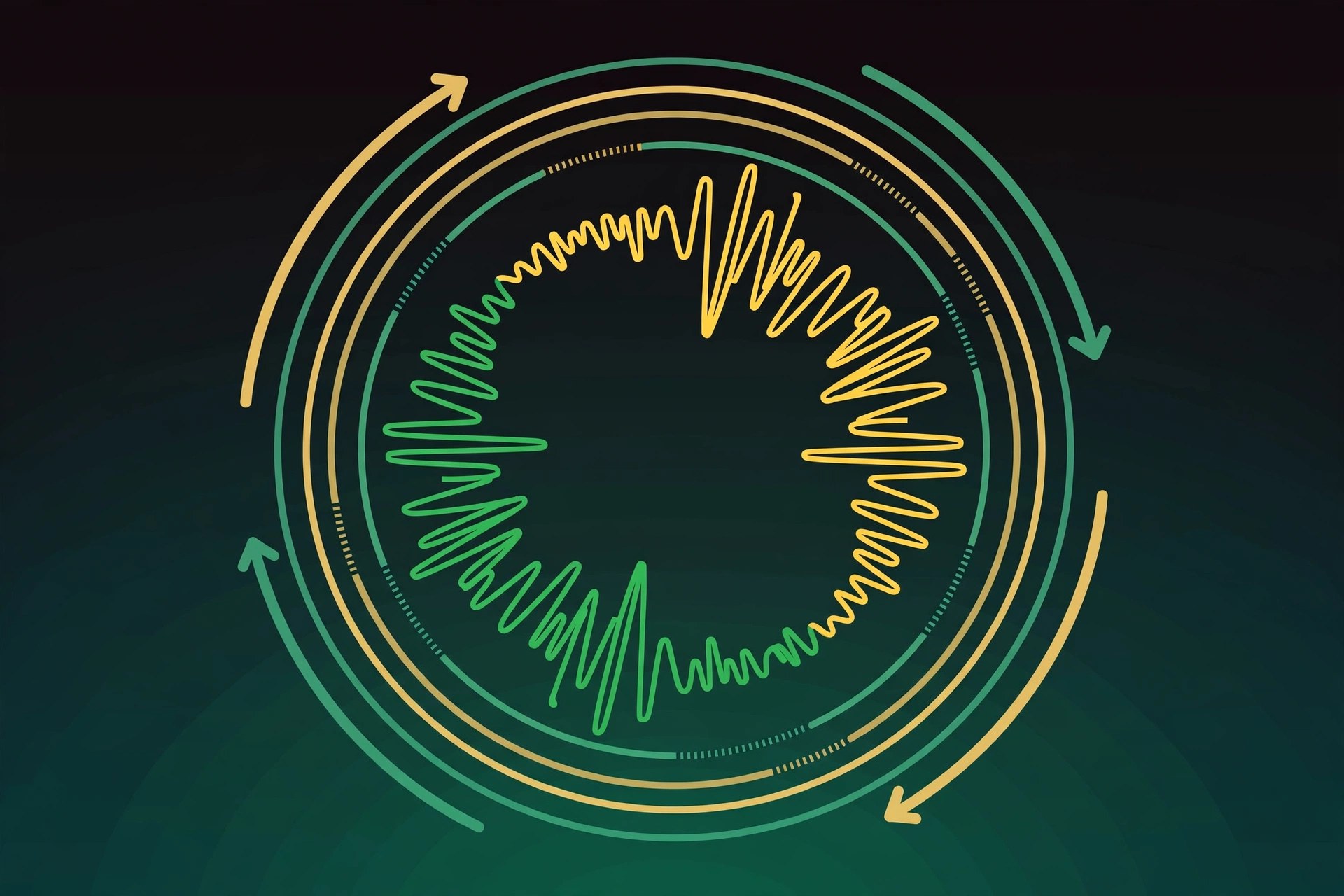
Mac AudioEnso is a looping plug-in from Audio Damage for Mac, inspired by both modern looper pedals and vintage tape-based setups. It records your playing into a loop inside your DAW, then lets you treat that loop like tape: slow it down, reverse it, chop it into sectors and overdub new layers for live performance or studio experimentation.
Key Features
- Record loops of up to ten minutes on desktop, synced to your host DAW's clock
- Tape-style operation with independent record and playback behaviour
- Play loops in sectors, so you can jump between sections of a longer recording
- Change speed and pitch together, tape-style, and play loops in reverse
- Designed for both live performers and producers building layered textures in the studio
How to Download
- Confirm your DAW supports AU, VST3 or AAX effect plug-ins on macOS.
- Get the installer from the developer: Download from the official site
- Install Enso, load it on a track, press play in your DAW and hit record to capture your first loop.
System Requirements
Enso runs on Intel and Apple silicon Macs, as the macOS build is a Universal Binary, with a recent version of macOS and a 64-bit DAW. A MIDI controller is optional but handy for live looping.
FAQs
How long can an Enso loop be?
On the desktop version you can record loops of up to ten minutes. That is plenty for full song sections, ambient beds or long improvised passes.
Is Enso only for live performance?
No. Live looping is where it shines, but producers also use it in the studio to build evolving layers, reversed textures and tape-style variations of recorded parts.







Leave a Reply