Appsforlife Barcode 2.7.3 for Mac
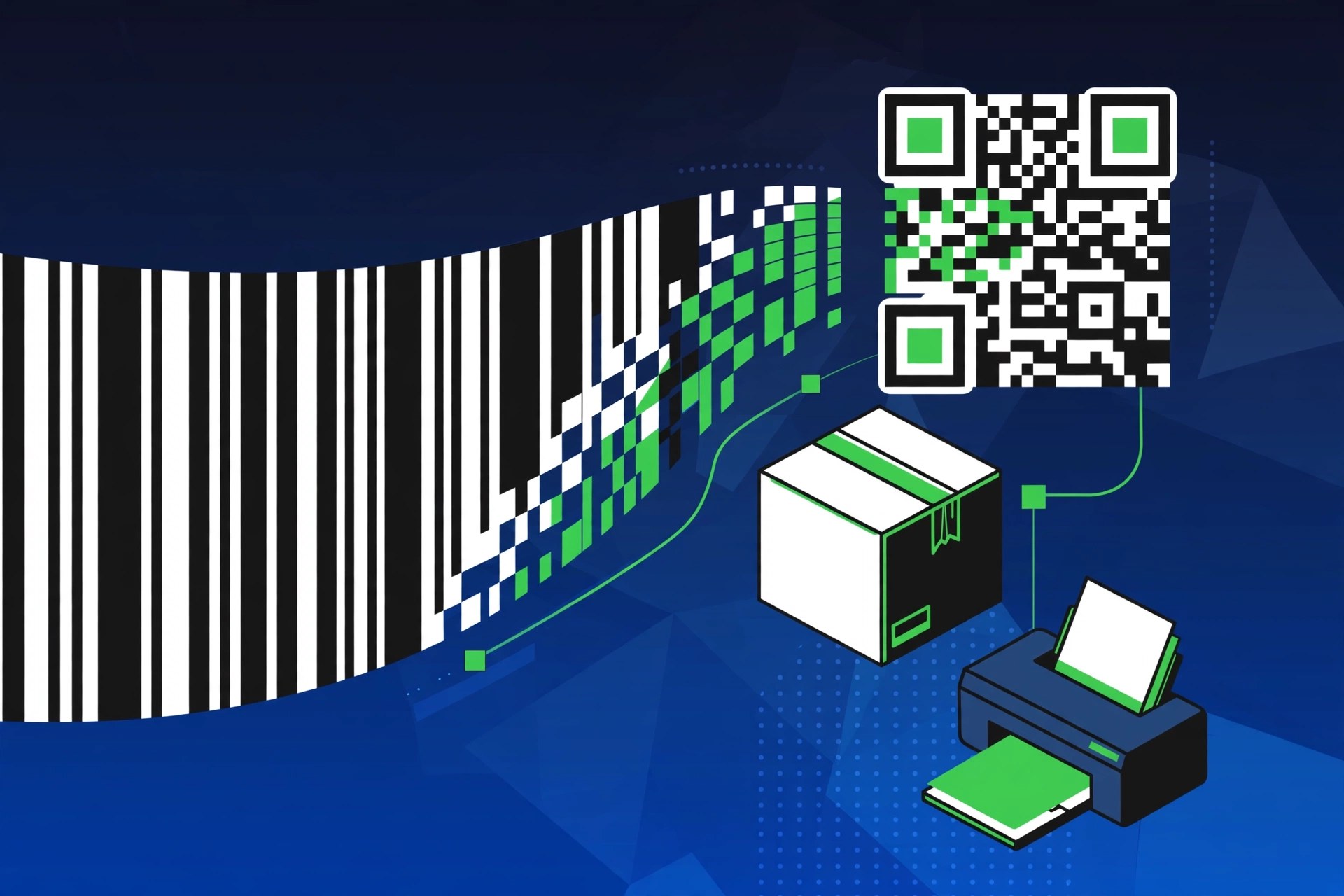
Mac Photo & DesignBarcode, from Appsforlife, is a barcode generator built for designers rather than warehouse staff. The current release, Barcode 2.7.3 for Mac, focuses on how the finished barcode looks: colours, fonts, sizes and margins are all under your control, with a live preview that updates as you design. That matters when a barcode has to sit inside finished packaging artwork and still scan perfectly at the till.
Key Features
- Supports the main symbologies: UPC A/E, EAN 13/8, ISBN 13, Code 39, Code 93, Code 128, GS1 128, GS1 DataBar, Codabar, ITF 14, Pharma, PDF 417, Aztec, Data Matrix and QR codes
- Live preview that updates in real time as you adjust the design
- Full control over colours, fonts, sizes and margins, with vector and raster export in CMYK and RGB
- Drag-and-drop integration with Adobe Illustrator instead of a plug-in
- Batch generation and automation options for producing many barcodes at once
How to Download
- Download the demo from the developer to test it on your own artwork first.
- Get it here: Download from the official site
- Open the DMG, drag Barcode into Applications, and launch it to create your first code.
System Requirements
Barcode runs on a recent version of macOS and works natively on Apple silicon as well as Intel Macs. Check the Appsforlife site for the exact minimum macOS version of the current build.
FAQs
Is there a free version?
Appsforlife provides a free demo version so you can try the software and check it fits your workflow before buying a licence.
Can Barcode make QR codes?
Yes. Alongside the standard retail and industrial barcodes, it generates QR codes, Data Matrix and Aztec codes with the same design controls.







Leave a Reply