Apple Compressor 4.11.1 for Mac
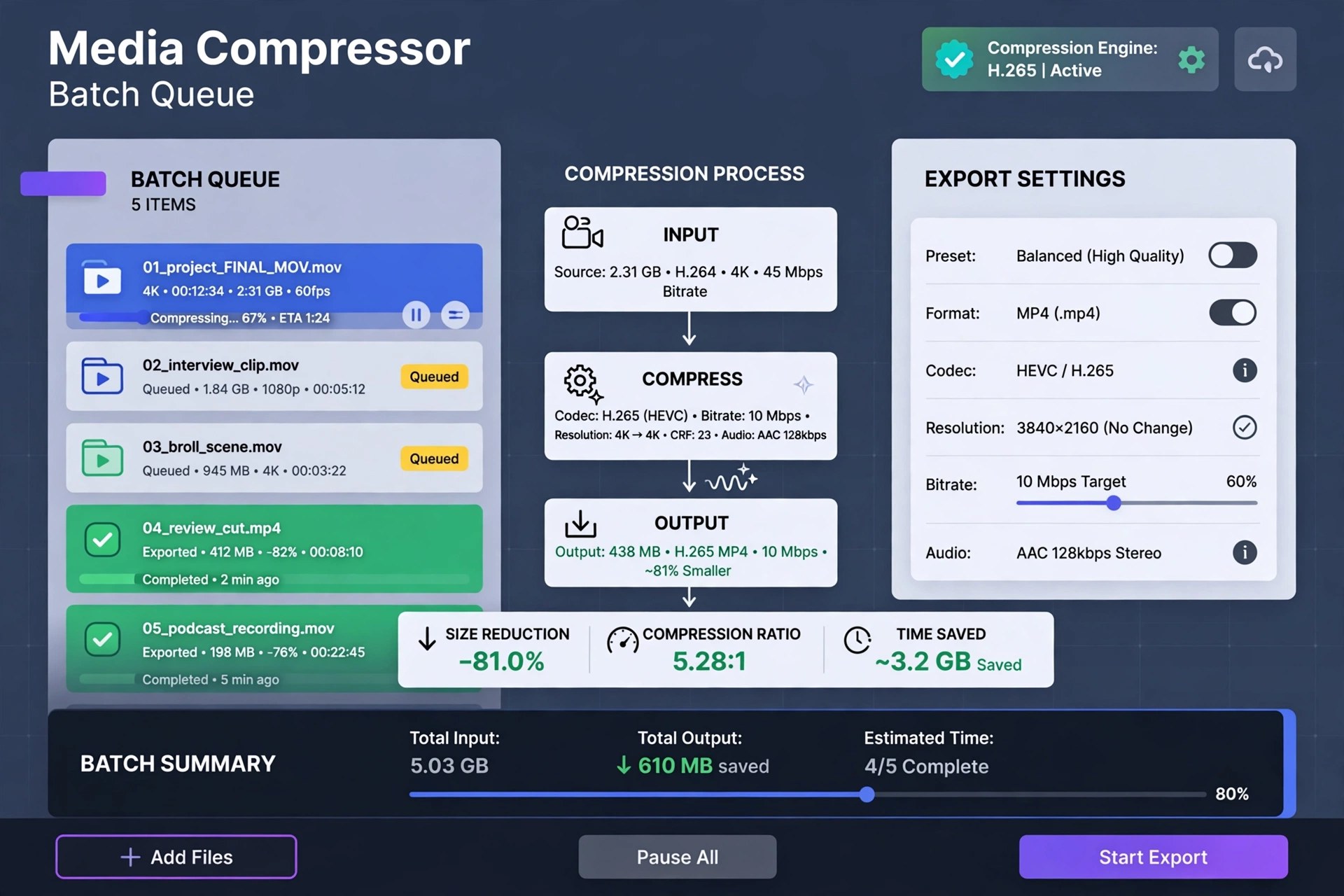
Mac VideoCompressor is Apple's professional media encoding application for the Mac, designed as the delivery partner to Final Cut Pro and Motion. Where Final Cut's built-in export presets stop, Compressor takes over: build custom output settings with specific codecs, resolutions, frame rates, and bit rates, save them as reusable presets or droplets, and apply them to batches of files instead of exporting one movie at a time by hand.
It encodes to industry formats including HEVC, H.264, MXF, and ProRes, handles captions in CEA-608, iTT, and SRT formats, and can package a movie for sale on the iTunes Store. For long renders, distributed encoding spreads work across other Macs on your network. Compressor is a paid app sold only on the Mac App Store — $49.99 as a one-time purchase, with no subscription and no free version — and buying it there keeps it updated automatically alongside Apple's other pro video apps.
Key Features
- Custom encoding settings you can save, reuse, and share as droplets
- Encode to HEVC, H.264, ProRes, MXF, and other industry formats
- Batch processing for converting many files with one setup
- Distributed encoding that uses spare power from other networked Macs
- Tight integration with Final Cut Pro and Motion, plus caption support
How to Download
- Open Compressor's official listing on the Mac App Store.
- Start your download from the official site: Download from the official site
- Buy or download it with your Apple Account, and it installs and updates like any other App Store app.
Is Compressor free with Final Cut Pro?
No. Compressor is a separate $49.99 purchase on the Mac App Store, whether or not you own Final Cut Pro. It is also included in Apple's Creator Studio subscription.
Can I use Compressor without Final Cut Pro?
Yes. Compressor works as a standalone batch encoder for video and audio files. Final Cut and Motion owners simply gain extra convenience, such as sending projects straight to it.







Leave a Reply