AnyTrans for iOS 8.9.14.20260226 for Mac
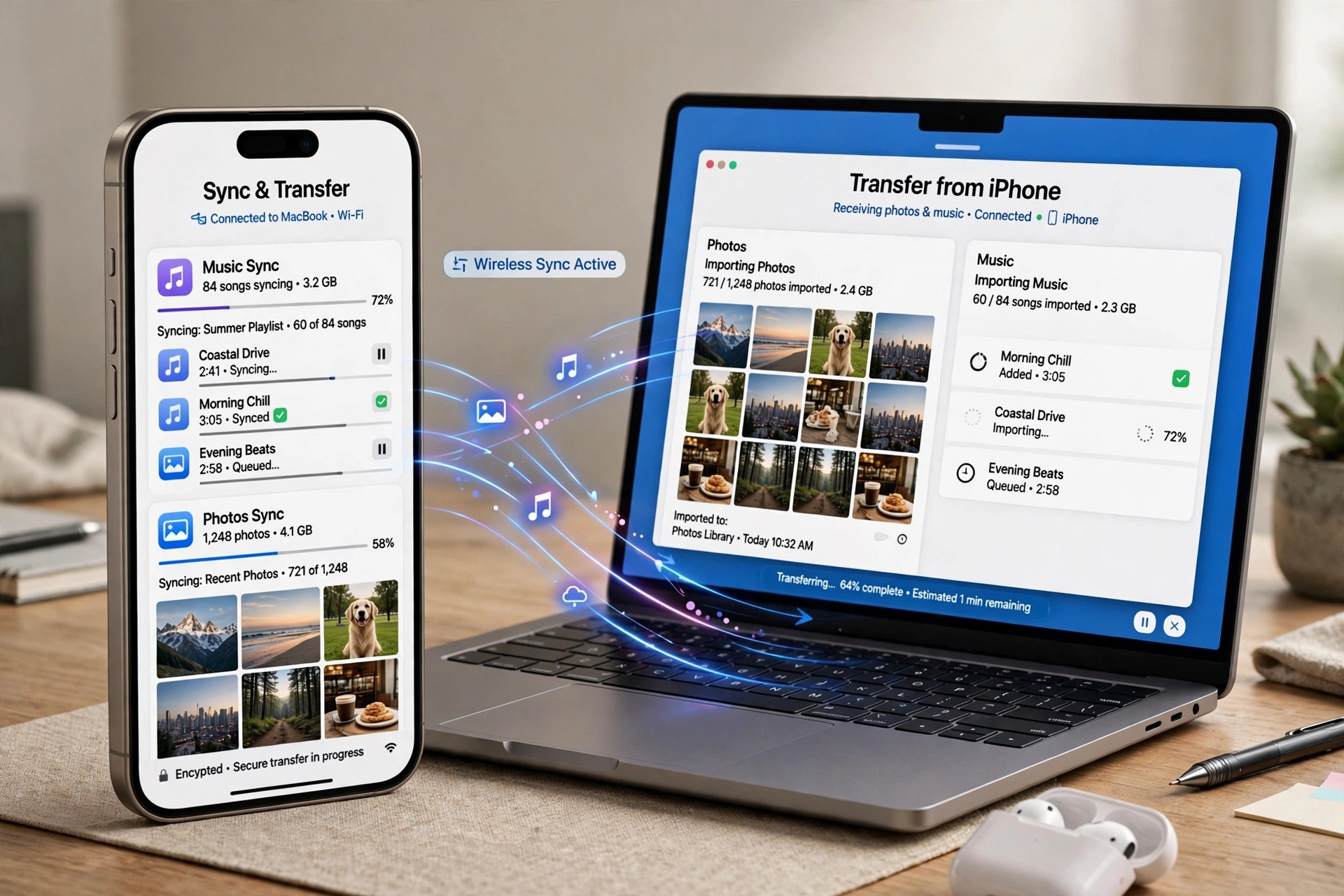
Mac UtilitiesAnyTrans for iOS is iMobie's all-in-one manager for Apple mobile devices, and this post covers the Mac edition — the desktop app you install on macOS to look after an iPhone or iPad. Version 8.9.14, dated February 2026, keeps the formula that made AnyTrans popular: instead of juggling Finder sync, iTunes libraries, and iCloud in separate places, it brings transfer, backup, and management of 27-plus types of iOS content into a single window on your Mac.
Practical jobs include moving photos, music, messages, contacts, and videos between device and computer, making full or incremental backups, scheduling wireless Air Backup, migrating everything to a new iPhone — including from an Android phone — and handling extras like custom ringtones and social message transfers. It is paid software (one-year subscription or one-time purchase); iMobie provides a free download so you can start with the free trial, which limits transfers before activation.
Key Features
- Manage 27+ types of content across iPhone, iPad, iPod, iTunes, and iCloud
- Full, incremental, and scheduled wireless Air Backup modes
- One-click migration to a new iPhone, including Android-to-iPhone moves
- Transfer WhatsApp and other social messages between devices
- Extras including ringtone maker, app downloader, and screen mirroring
How to Download
- Visit iMobie's official AnyTrans download page and choose the Mac version.
- Start your download from the official site: Download from the official site
- Open the DMG, install AnyTrans, connect your iPhone or iPad, and begin with the free trial.
Does AnyTrans replace Finder or iTunes syncing?
It works alongside them but gives you selective, two-way control — you can add, export, or back up individual items without the all-or-nothing erase-and-sync behaviour of a standard sync.
What does the free trial allow?
The trial limits how many items you can transfer within the first days. A paid plan — yearly subscription or one-time purchase — removes those limits.







Leave a Reply