AnyTrans for Android 7.3.0.20200722 for Mac
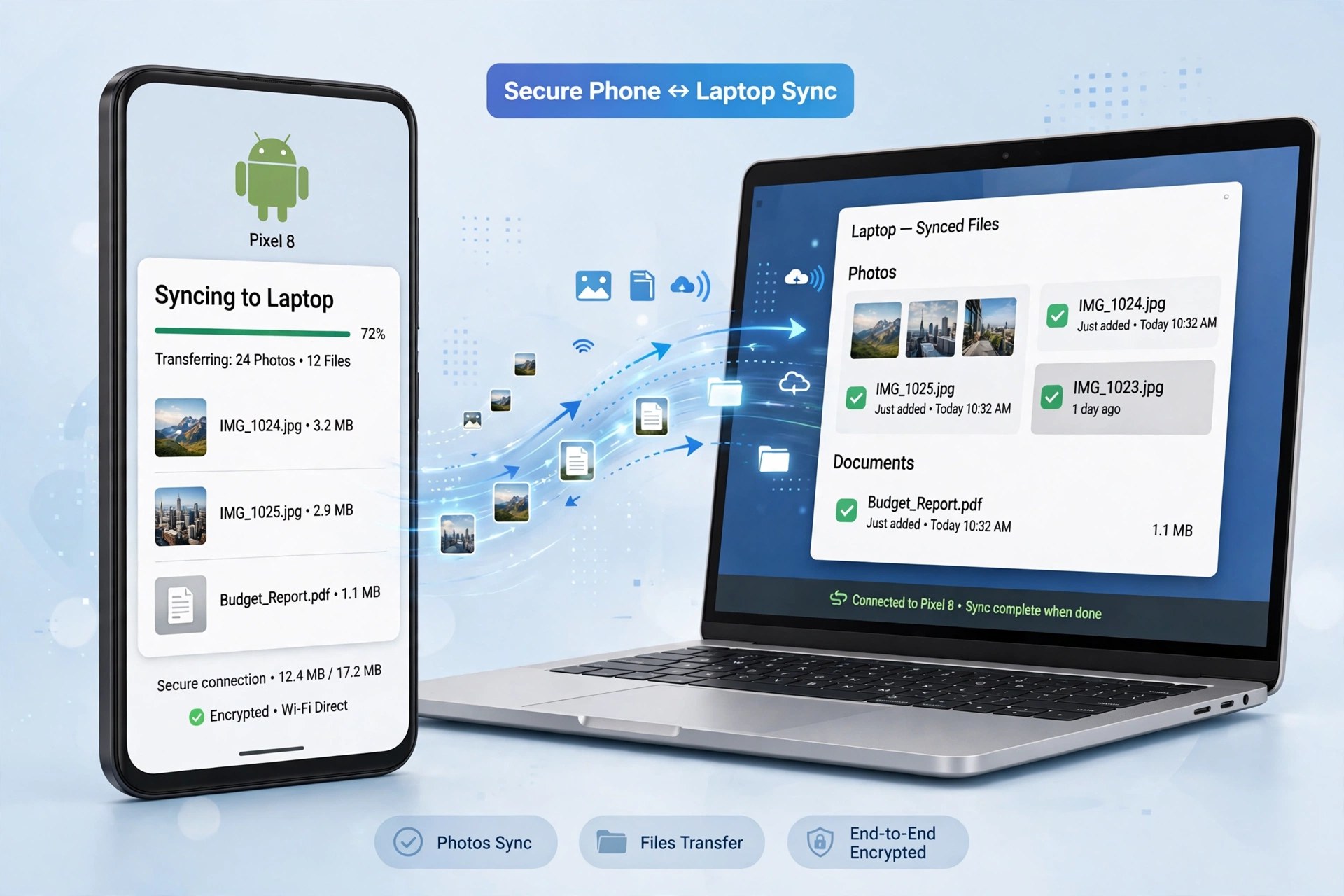
Mac UtilitiesAnyTrans for Android was iMobie's Mac companion for Android phones and tablets, and the 7.3.0 build dated July 2020 is one of its later releases under that name. One important update for anyone looking for it today: iMobie has since renamed this product AnyDroid, and the official page now presents AnyDroid as "originally AnyTrans for Android." The job it does is unchanged — managing an Android device's content from your Mac instead of digging through folders by hand.
From the Mac app you can move photos, music, videos, contacts, messages, call logs, calendars, books, and documents between an Android device and your computer, back content up, and even move data from an iOS device over to Android. iMobie sells it as paid software with a free trial download; the trial is limited compared with the activated version, so treat it as a way to test your device connection first.
Key Features
- Transfer photos, music, videos, contacts, and messages between Android and Mac
- Back up Android content to your computer in one place
- Move data from iPhone or iPad across to an Android device
- Batch install, uninstall, and back up Android apps
- Works with Android 5.0 and above from the major phone brands
How to Download
- Open iMobie's official page — AnyTrans for Android now lives there under its new name, AnyDroid.
- Start your download from the official site: Download from the official site
- Install the Mac app, connect your Android device, and follow the on-screen setup to start the free trial.
Why is it called AnyDroid now?
iMobie renamed AnyTrans for Android to AnyDroid. The official AnyDroid page confirms it is the same Android manager, so current downloads use the new name.
Is AnyTrans for Android free?
It offers a free trial with limited transfers. Full use requires a paid license from iMobie — there is no free full version.







Leave a Reply