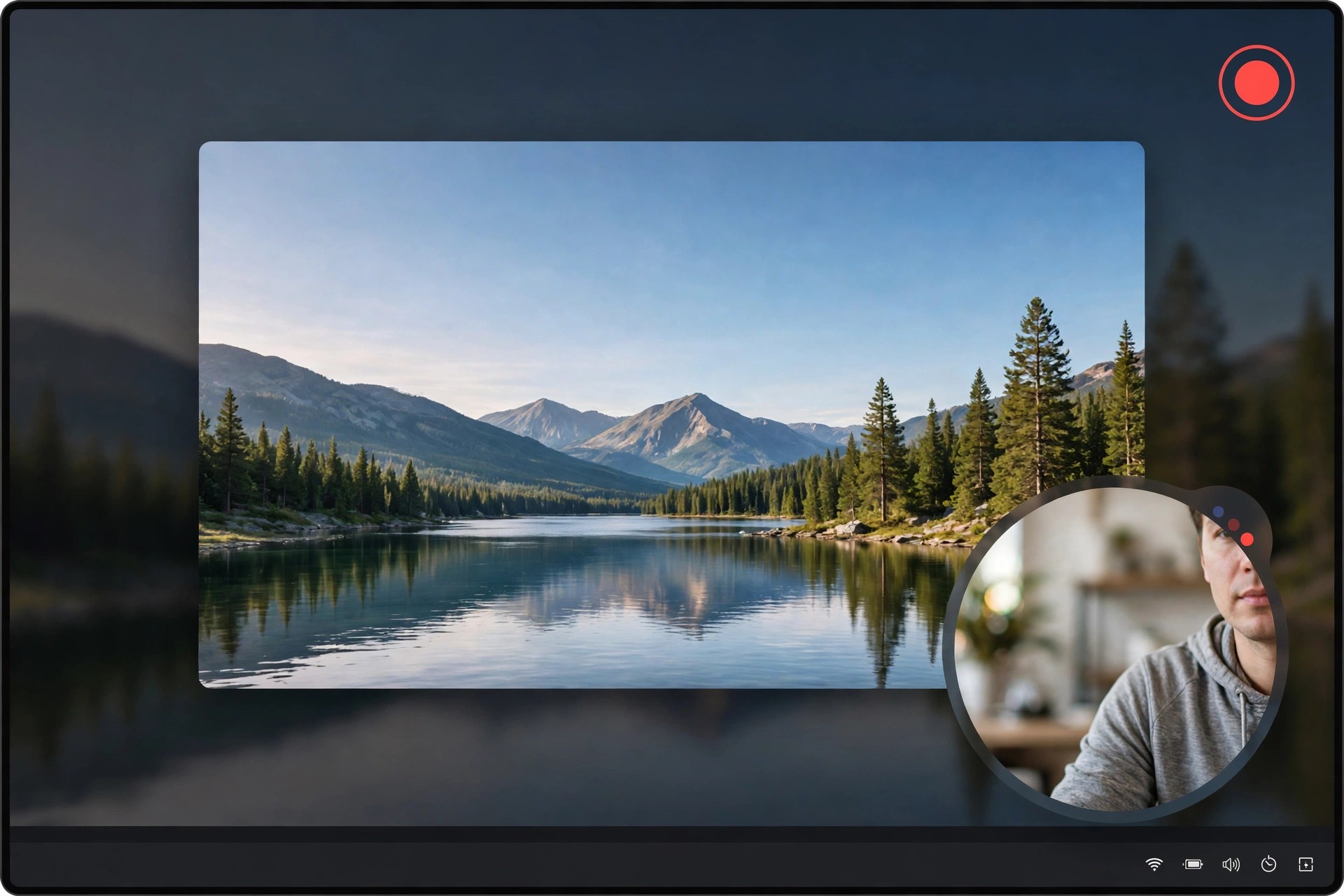
4Easysoft Screen Recorder 1.1.28 for Mac
Mac Video4Easysoft Screen Recorder 1.1.28 for Mac is an all-in-one capture tool for tutorials, online meetings, gameplay, video calls and lessons. It records your full screen, a selected area or a single window, together with system sound, microphone voice and webcam overlay, so you do not need separate apps for each source.
On modern Macs, including Apple Silicon models, it can capture at high resolutions and frame rates while staying lightweight. Real-time annotation, scheduled recording and flexible export formats make it a practical step up from the built-in macOS recorder for creators, teachers and remote workers.
Key Features
- Record screen video up to 8K, plus separate video, audio, game, window and phone recorder modes
- Capture system sound and microphone at the same time, with noise cancellation and voice enhancement
- Add webcam overlay, real-time drawings, text and shapes while recording
- Schedule recordings, set custom hotkeys and take screenshots during capture
- Export to MP4, MOV and other popular formats and trim clips after recording
How to Download
- Download from the official site
- Launch the app and grant macOS screen recording and microphone permissions when asked.
- Pick Video Recorder or another mode, choose your area and audio sources, then press REC.
Is 4Easysoft Screen Recorder free?
It offers a free trial, but the trial limits recordings to about three minutes and disables some editing tools. A paid license removes the time limit and unlocks the full feature set.
Can it record internal audio on Mac?
Yes, it is designed to capture system sound together with microphone input without extra plugins in most setups. For a clean, safe install, get it only from the official 4Easysoft site and avoid unofficial download pages.







Leave a Reply