AnyMP4 Mac Blu-ray Player 6.3.38 for Mac
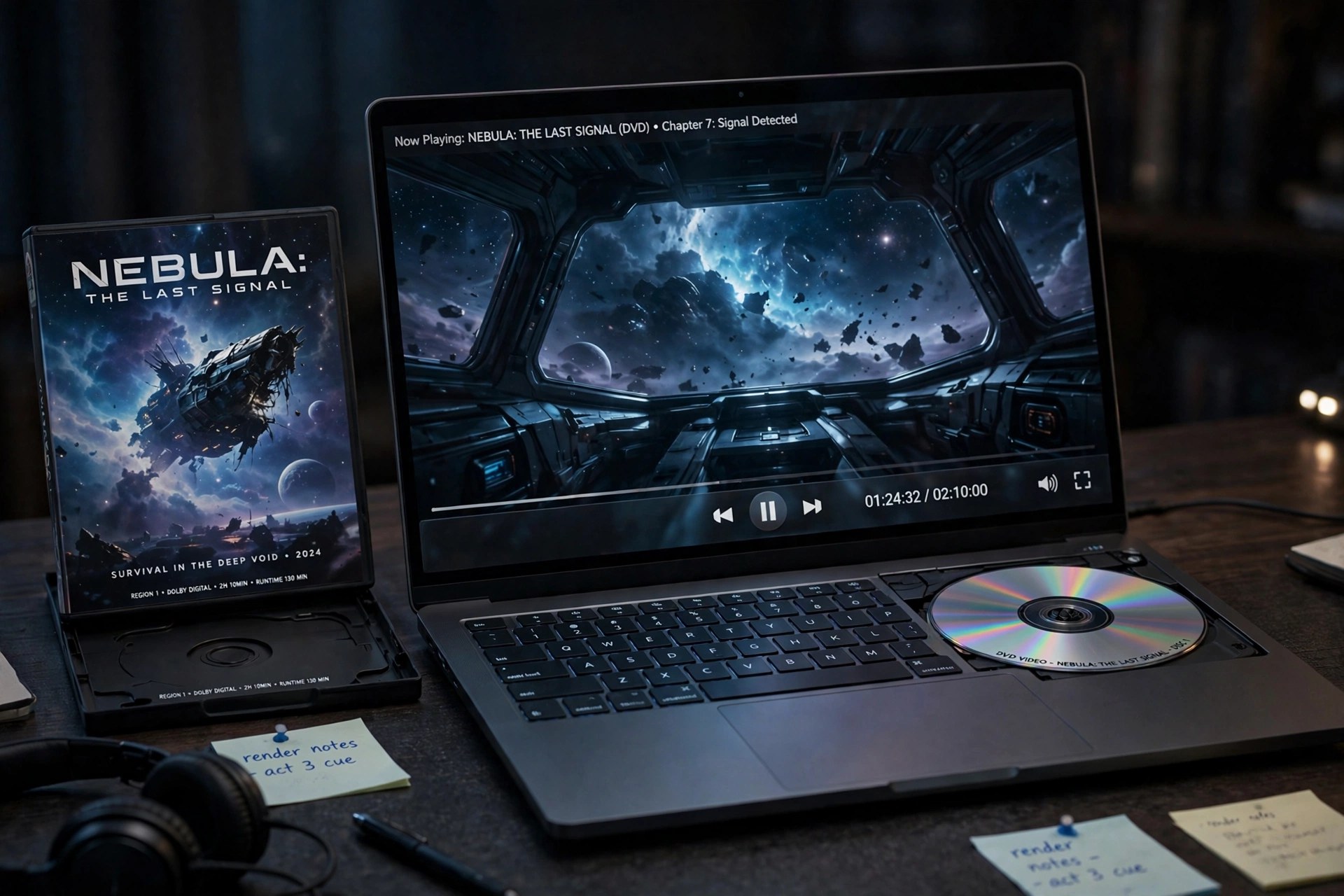
Mac VideomacOS has never played Blu-ray natively, so a Mac with an external drive still needs dedicated software to open a disc. AnyMP4 Mac Blu-ray Player 6.3.38 fills that gap: it loads Blu-ray discs, ISO images and BDMV folders, as well as DVDs and ordinary video files, and plays them with menu navigation, subtitle and audio-track selection, and support for discs from regions A, B and C.
Playback covers 4K Ultra HD and HD video alongside formats such as MP4, MOV, MKV and M2TS, with Dolby and DTS surround sound. It is paid software, not a free player — AnyMP4 offers a free trial to test your drive and discs first, and the trial adds a watermark, so budget for a licence if it works for you.
Key Features
- Plays Blu-ray discs, ISO images and folders, plus DVDs and DVD ISO files
- Region-free playback for Blu-ray regions A, B and C and DVD regions 0 to 6
- 4K UHD, 1080p HD and SD video playback with hardware acceleration
- Dolby, DTS, DTS-HD and TrueHD surround audio support
- Menu, chapter, subtitle and audio-track controls, plus snapshot capture
How to Download
- Connect an external Blu-ray drive to your Mac if you plan to play physical discs.
- Start your download from the official site: Download from the official site
- Open the installer, move the app to Applications, launch it and use Open Disc or Open File to start playing.
Do I need a Blu-ray drive?
Yes, for physical discs — no Mac ships with one built in. You do not need a drive to play Blu-ray ISO files, folders or regular video files already stored on your Mac.
Is AnyMP4 Mac Blu-ray Player free?
No. There is a free trial, but it watermarks playback and full use requires a paid licence. There is no free full version, so avoid sites promising one.







Leave a Reply