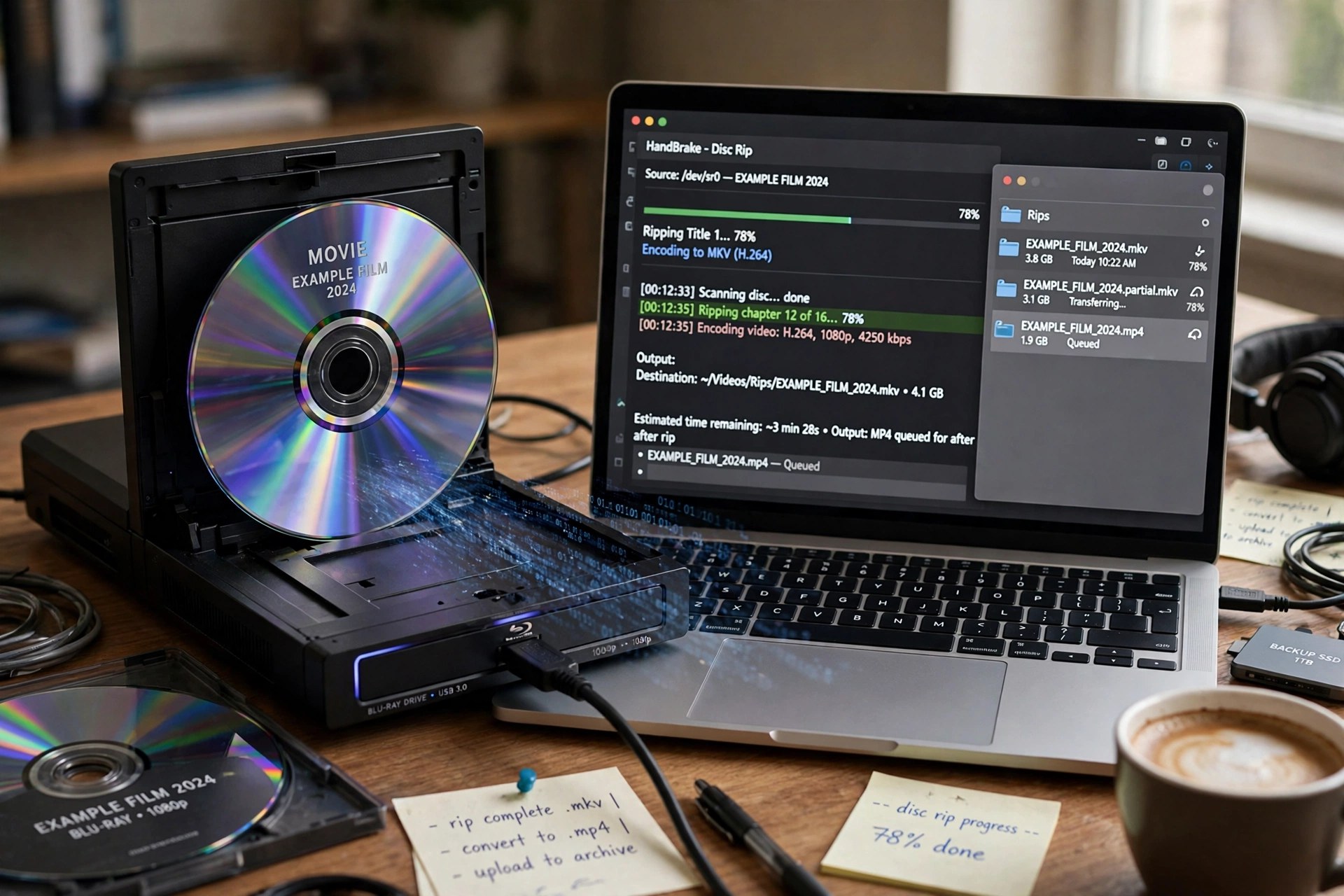
AnyMP4 Blu-ray Ripper 9.0.80 for Mac
Mac VideoAnyMP4 Blu-ray Ripper for Mac turns your own Blu-ray collection into files your devices can actually use. Load a disc through an external drive — or point it at a BDMV folder or ISO image — choose a title, and it converts the movie to MP4, MKV, MOV and hundreds of other formats, including 4K profiles. A lossless MPG/MKV option keeps the original picture, every audio track, subtitles and chapter breaks when you would rather archive than shrink.
Before ripping you can trim scenes, crop black bars, apply filters, add a watermark and swap subtitle and audio tracks, and a toolbox adds a video enhancer, compressor, GIF maker and metadata editor. It is paid software with a free trial; the trial restricts how much of each disc you can convert, and GPU acceleration on the full version keeps long movies from taking all evening. Only rip discs you personally own.
Key Features
- Rips Blu-ray discs, folders and ISO images to 500+ video and audio formats
- Lossless profiles that preserve original quality, subtitles, audio tracks and chapters
- Built-in editor: trim, crop, rotate, effects, filters, watermarks and subtitle tools
- GPU-accelerated conversion for much faster ripping on supported Macs
- Toolbox extras including Video Enhancer, Compressor, GIF Maker and 3D Maker
How to Download
- Connect an external Blu-ray drive to your Mac if you plan to rip physical discs.
- Start your download from the official site: Download from the official site
- Install and launch the ripper, click Load Blu-ray, pick your output format, and press Rip All.
Which format should I choose for archiving?
Pick the lossless MKV or MPG profile. It keeps the disc's original video, all audio tracks and subtitles in one file, at the cost of a larger size.
What does the free trial limit?
The trial only converts a short portion of each title. A paid licence removes the length and usage limits for discs you own.







Leave a Reply