Any HEIC Converter HEIC to JPG 1.0.29 for Mac
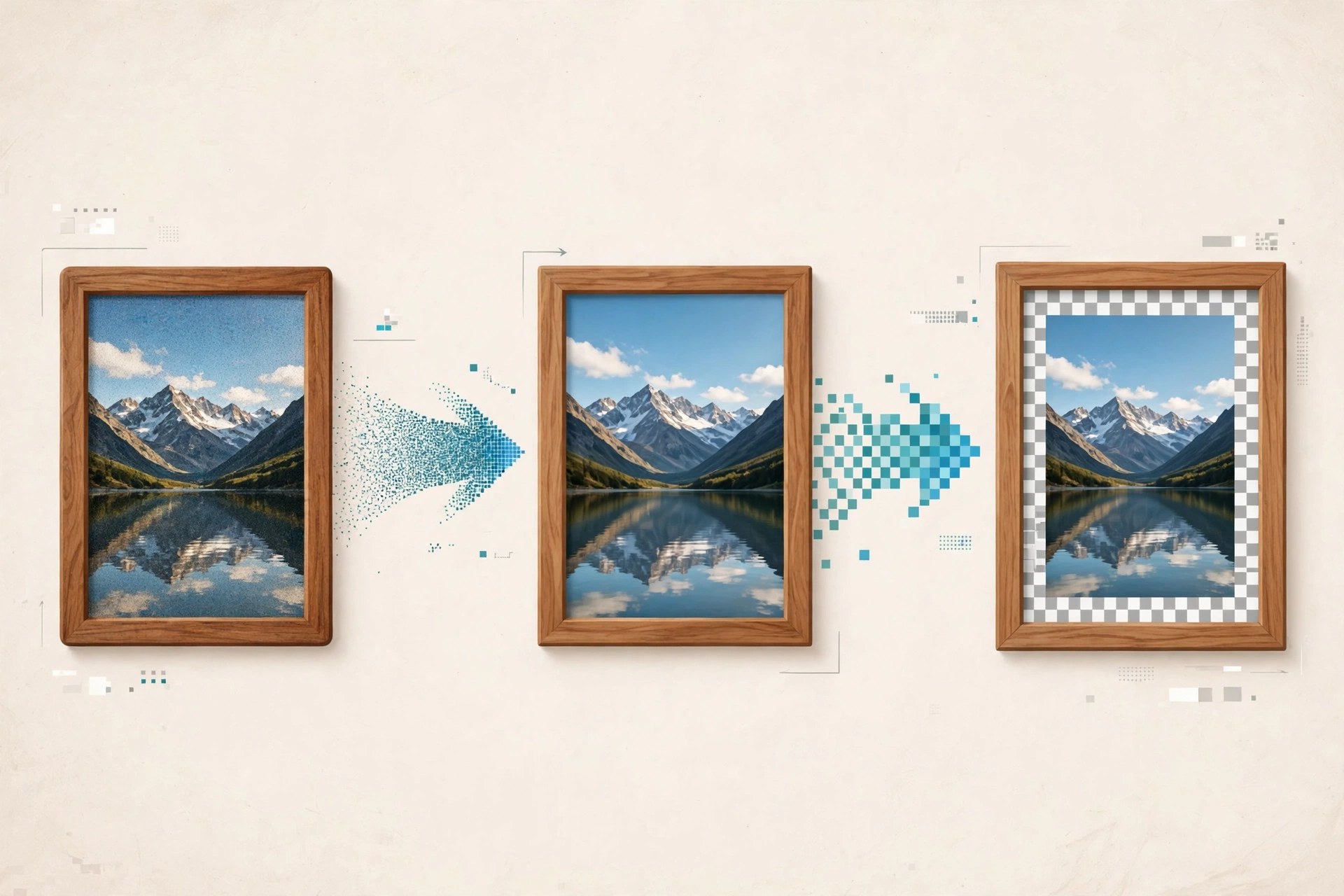
Mac Photo & DesignAny HEIC Converter – HEIC to JPG is a small Mac utility for a very common annoyance: iPhones save photos in Apple's space-saving HEIC format, but many websites, older apps and Windows PCs still expect JPG. This converter bridges that gap — drop in HEIC or HEIF images and it exports standard JPG copies you can email, upload or open anywhere, without editing the originals.
A quick honesty note: several similarly named HEIC converters exist, and we could not verify a live official vendor page for this exact 1.0.29 listing, so no download link is provided here. The safe route is to search the Mac App Store by the app's exact name and check the developer matches, rather than trusting converter download sites, which are a frequent source of bundled adware.
Key Features
- Converts HEIC and HEIF photos from iPhone and iPad to widely compatible JPG
- Batch conversion for whole folders of photos in a single pass
- Drag-and-drop workflow with no photo editing knowledge required
- Keeps your original HEIC files untouched and writes JPG copies alongside them
- Works offline on your Mac, so private photos are not uploaded to a web service
How to Download
- Search the Mac App Store for the app's exact name and verify the developer before installing.
- Open the app, drag in your HEIC photos, choose JPG output and start the conversion.
Can macOS convert HEIC without an app?
Yes. Preview can export a HEIC photo as JPEG, and Finder Quick Actions can convert images too. A dedicated converter is mainly worth it for large batches.
Does converting HEIC to JPG lose quality?
JPG is a lossy format, so a small amount of quality is traded for compatibility and the files may grow larger. Keep your HEIC originals as the archive copies.







Leave a Reply