Category: Mac Utilities

  • Sejda PDF Desktop 7.9.12 for Mac

    Sejda PDF Desktop 7.9.12 for Mac

    Sejda PDF Desktop 7.9.12 for Mac

    Sejda PDF Desktop 7.9.12 for Mac

    Mac Utilities
    Updated Aug 5, 2026
    Mac Utilities • Updated Aug 5, 2026

    Sejda PDF Desktop brings the well known Sejda PDF tools into an app that runs on your Mac. You can merge files, split documents, compress large PDFs, convert them to and from other formats, edit text, sign forms and protect files with a password, all from one clear home screen. The important difference from the Sejda website is privacy. The desktop app processes your documents locally, so confidential files never need to be uploaded anywhere.

    Key Features

    • A broad set of PDF tools covering merge, split, compress, convert, edit and sign tasks
    • Offline processing, with files staying on your Mac rather than on a server
    • The same friendly layout as the Sejda web service, so it feels familiar straight away
    • Tools for forms, watermarks, page numbers, rotation and password protection
    • Works on macOS, Windows and Linux with the same feature set
    • Free to use within daily limits, with paid plans available for unlimited work

    How to Download

    Download the desktop app from Sejda itself so you receive the genuine installer and the newest release. Open the official desktop page, choose the macOS download, install the app and pick a tool from the home screen to process your first document. Download from the official site

    Frequently Asked Questions

    Is Sejda PDF Desktop free? It is free to use within daily limits set by the maker. If you process PDFs all day, the paid plans remove those limits. The current limits are listed on the official site.

    Do my files get uploaded when I use the desktop app? No. The desktop app works locally on your computer. That is the main reason to choose it over the web version for private or work documents.

    Can it edit the text inside a PDF? Yes. Editing text is one of its core tools, alongside tasks such as merging, splitting and converting files.


  • RustDesk 1.5.1 for Mac

    RustDesk 1.5.1 for Mac

    RustDesk 1.5.1 for Mac

    RustDesk 1.5.1 for Mac

    Mac Utilities
    Updated Aug 5, 2026
    Mac Utilities • Updated Aug 5, 2026

    RustDesk is an open source remote desktop app from Purslane for people who want to reach their own computers from somewhere else. You can help family with a Mac across town, pull a file from your desk machine, or run a fleet, all through one app you can point at a server you host.

    Key Features

    • Remote control of Mac, Windows and Linux computers from one client
    • File transfer between the local and remote machine during a session
    • Option to run your own relay and ID server for full control of traffic
    • Separate Mac builds for Intel machines and Apple silicon machines
    • Clipboard sharing and multi monitor support for smoother daily work

    How to Download

    1. Go to the project site and pick the download area for desktop systems.
    2. Download from the official site and choose the Mac build that matches your chip.
    3. Install the app, then grant Screen Recording and Accessibility access in System Settings so remote control works.

    System Requirements

    RustDesk for Mac is published in Intel and Apple silicon builds. Listings for the Mac edition state macOS 10.15 or later, and an internet connection is needed for remote sessions.

    FAQs

    Is RustDesk really open source?

    Yes. The client code is public on GitHub under an open source licence, and the free server software is open source as well, which suits privacy minded users.

    Do I have to host my own server?

    No. You can start with the public servers the project provides. Hosting your own is an option for people who want traffic to stay on their own network.

    Why does macOS ask for extra permissions?

    Remote viewing and control need Screen Recording, Accessibility and Input Monitoring access on the Mac being controlled. Without them you may see a black screen or no mouse control.

  • EazyDraw 12.11.2 for Mac

    EazyDraw 12.11.2 for Mac

    EazyDraw 12.11.2 for Mac

    EazyDraw 12.11.2 for Mac

    Mac Utilities
    Updated Aug 5, 2026
    Mac Utilities • Updated Aug 5, 2026

    EazyDraw is a vector drawing application built only for the Mac. It serves illustrators, engineers, teachers and designers who need accurate drawings rather than freehand sketches. You can produce technical diagrams, floor plans, charts, logos and detailed illustrations, scaling each element precisely and editing every point, line and fill at any time. Drawings can be shared with the companion apps on iPhone and iPad, and files move easily between devices through iCloud Drive.

    Key Features

    • Full vector editing with layers, groups, libraries and reusable symbols
    • Precise drawing aids including grids, guides, dimensions and snapping
    • Rich styling for lines, fills, gradients, shadows and text
    • Imports and exports formats such as SVG, PDF, PNG and JPEG
    • Automation API and Python scripting in the current version 12 line

    How to Download

    1. Go to the EazyDraw website and open the download page.
    2. Download from the official site and run the installer package.
    3. Open EazyDraw from your Applications folder and enter a licence code when you are ready to buy.

    System Requirements

    EazyDraw 12 supports macOS 14, 15 and 26, according to the vendor support page, and runs natively on both Apple silicon and Intel Macs. Older EazyDraw versions remain available for older macOS releases.

    FAQs

    Is EazyDraw only for technical drawing?

    No. It began with a technical focus, but artists and teachers also use it for illustration, diagrams, charts and classroom materials of many kinds.

    Can I open drawings on my iPad?

    Yes. Companion apps for iPhone and iPad can open and edit EazyDraw drawings, and iCloud Drive keeps the same files within reach on each device.

    Does it export for print and web?

    Yes. You can export drawings as PDF for print and as SVG, PNG or JPEG for web pages and documents.

  • Freeplane 1.13.4 for Mac

    Freeplane 1.13.4 for Mac

    Freeplane 1.13.4 for Mac

    Freeplane 1.13.4 for Mac

    Mac Utilities
    Updated Aug 5, 2026
    Mac Utilities • Updated Aug 5, 2026

    Freeplane is a free and open source mind mapping app that helps you capture ideas and turn them into clear visual maps. Students, teachers, writers and project planners use it to outline lessons, plan articles, organise research and break large goals into smaller steps that are easy to follow.

    Features

    • Create maps with nodes that hold text, notes, links and images
    • Style nodes with colours, shapes and icons to group related ideas
    • Add attributes and filters to sort and search large maps
    • Protect a map with a password when it holds private notes
    • Export maps to common formats for sharing and printing
    • Extend the app with add ons and simple scripts

    How to Download

    The safest place to get Freeplane is the project site, where the current Mac build is published as a disk image with Java included. Download from the official site, open the downloaded file and move Freeplane into your Applications folder. Because the app is free, there is nothing to buy and no account to create.

    Frequently Asked Questions

    Is Freeplane really free?

    Yes. Freeplane is free and open source software, and you can use it at home, at school or at work without paying for a licence.

    Does Freeplane work offline?

    Yes. Your maps are stored on your own Mac, and the app works without an internet connection.

    Can Freeplane open FreeMind maps?

    Yes. Freeplane grew out of the FreeMind project and can open maps made in that older format.

  • Glassary 1.8 for Mac

    Glassary 1.8 for Mac

    Glassary 1.8 for Mac

    Glassary 1.8 for Mac

    Mac Utilities
    Updated Aug 5, 2026
    Mac Utilities • Updated Aug 5, 2026

    Glassary is an After Effects plugin for motion designers who need convincing glass without building it from layers of effects. Its panel turns almost any shape into glass and gives you live sliders for the look, which makes it handy for titles, interface mockups, logos and product shots on a Mac workstation.

    Key Features

    • Creates glass from any shape layer you draw or import
    • Live control over blur and refraction so the background bends through the glass
    • Distortion and noise controls for frosted or uneven glass surfaces
    • Lighting and colour controls to match the glass to your scene
    • Support for precomps and 3D layers inside your compositions

    How to Download

    1. Use the download button on this page to get the plugin package.
    2. Close After Effects, then install the plugin using the instructions inside the package.
    3. Open After Effects again, apply Glassary to a shape, and shape the glass with the panel sliders.

    System Requirements

    Glassary needs a Mac with a supported version of Adobe After Effects installed. Check the listing notes for the exact After Effects versions before you rely on it for client work.

    FAQs

    What kinds of shapes can become glass?

    The plugin is built around shape based work, so drawn shapes are the natural starting point. Precomps are also supported, which widens what you can feed into the effect.

    Can I animate the glass look over time?

    The panel controls are presented as live parameters, and designers typically keyframe values such as blur and refraction in After Effects to evolve the look across a shot.

    Does Glassary work outside After Effects?

    No. It is an After Effects plugin, so it runs inside that host app on your Mac rather than as a standalone program.

  • Flutter 3.47.9 for Mac

    Flutter 3.47.9 for Mac

    Flutter 3.47.9 for Mac

    Flutter 3.47.9 for Mac

    Mac Utilities
    Updated Aug 5, 2026
    Mac Utilities • Updated Aug 5, 2026

    Flutter is an open source UI toolkit from Google for building applications from a single codebase. Developers working on a Mac use it to create apps for iOS, Android, the web and desktop, all written in the Dart language. Your Mac is also where iPhone and iPad builds happen, since Apple platforms require macOS and Xcode for compiling and signing. Widgets cover layout, navigation and animation, so a small team can ship a polished product on several platforms at once.

    Key Features

    • One codebase that builds apps for mobile, web and desktop targets
    • Hot reload that shows code changes in the running app almost at once
    • Large widget library for Material and Cupertino style interfaces
    • Impeller rendering engine, now the default on desktop in the 3.47 line
    • Strong tooling with the Flutter command line tools and editor plugins

    How to Download

    1. Open the Flutter website and follow the install guide for macOS.
    2. Download from the official site and unpack the SDK archive on your Mac.
    3. Add Flutter to your path, then run flutter doctor to check your setup.

    System Requirements

    Flutter development on Mac needs a current macOS version. The Flutter 3.47 release notes state that apps built with it need macOS 12 or later, and building for iOS or macOS also requires Xcode.

    FAQs

    Is Flutter free to use?

    Yes. Flutter is free and open source, and you can use it for personal and commercial apps without licence fees.

    Which language do Flutter apps use?

    Flutter apps are written in Dart, a language from Google that is designed for building user interfaces and compiles to native code.

    Can I build iPhone apps with Flutter on a Mac?

    Yes. A Mac with Xcode installed can build, sign and submit Flutter apps for iPhone and iPad through the normal Apple process.

  • AstroGrav 5.4.2 for Mac

    AstroGrav 5.4.2 for Mac

    AstroGrav 5.4.2 for Mac

    AstroGrav 5.4.2 for Mac

    Mac Utilities
    Updated Aug 5, 2026
    Mac Utilities • Updated Aug 5, 2026

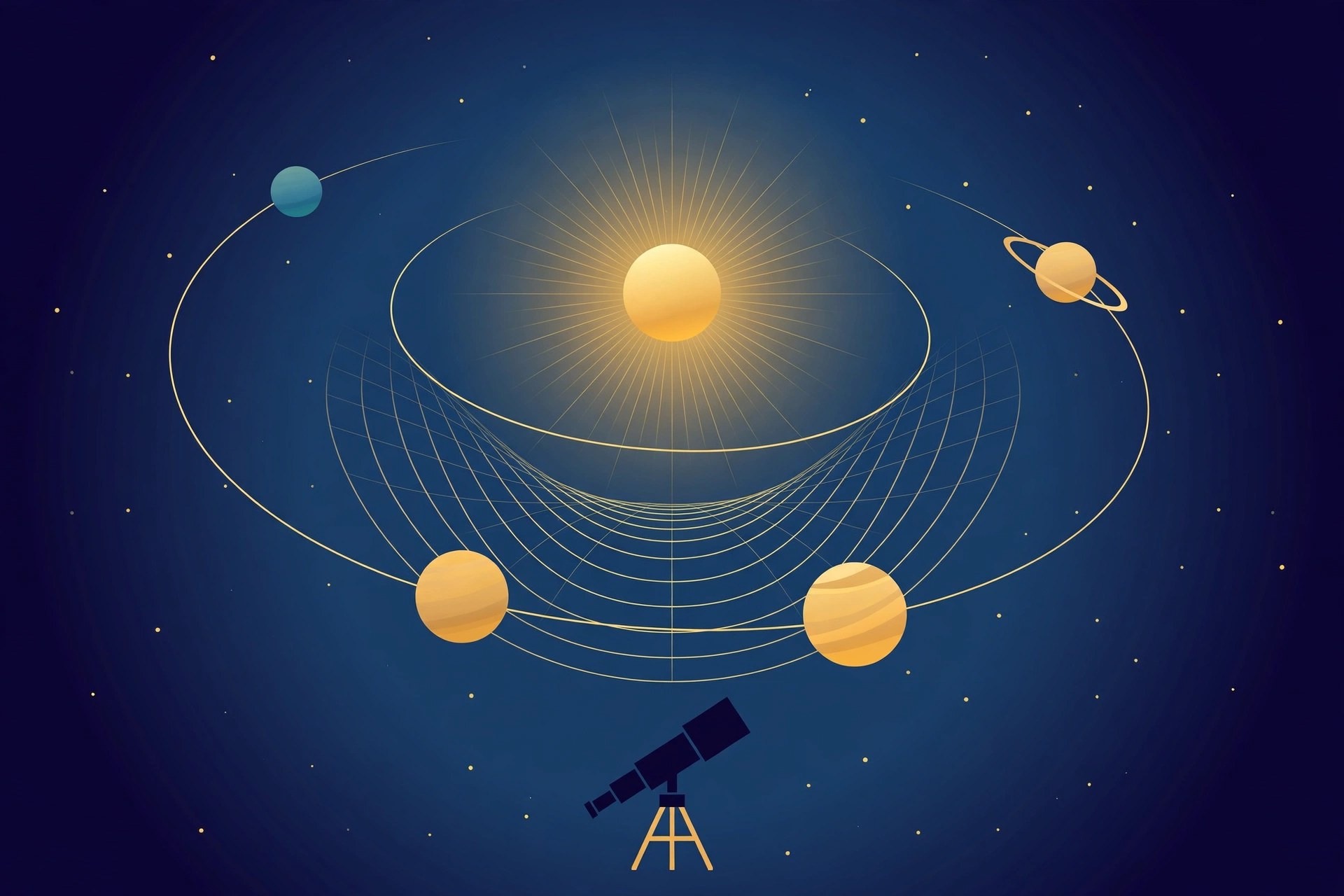
    AstroGrav is a precision solar system simulator for Mac that shows how planets, moons, asteroids and comets move under gravity. Astronomy students, teachers and keen hobbyists use it to watch orbits evolve over time, plan observations and understand how gravity shapes the motion of objects in space.

    Features

    • Simulate the solar system with accurate gravity calculations
    • Import asteroids, comets and Earth satellites into a simulation
    • Generate ephemeris tables for planets and other objects
    • View the sky from Earth or from other bodies in the system
    • Work with a large library of ready made sample simulations
    • Show background stars, object tracks and daylight effects on view windows

    How to Download

    AstroGrav is sold by its developer, and the official site carries the current Mac version along with release notes for every update. Download from the official site, then open the downloaded package and follow the install steps shown on screen. Check the licence terms on the vendor site before you buy so you know exactly what is included.

    Frequently Asked Questions

    What does AstroGrav simulate?

    It models how objects in the solar system move and interact through gravity, from the planets and the Moon to asteroids and comets.

    Is AstroGrav only for professionals?

    No. Researchers use it, but its sample simulations and clear view windows also make it suitable for students and home astronomers.

    Does the Mac version run on Apple silicon?

    Yes. Recent versions run natively on Apple processors as well as on Intel Macs.

  • World Clock Deluxe 4.20.2 for Mac

    World Clock Deluxe 4.20.2 for Mac

    World Clock Deluxe 4.20.2 for Mac

    World Clock Deluxe 4.20.2 for Mac

    Mac Utilities
    Updated Aug 5, 2026
    Mac Utilities • Updated Aug 5, 2026

    World Clock Deluxe from MaBaSoft is for anyone who works, studies or keeps in touch across time zones. It shows clocks for cities around the world on your desktop, in the menu bar or in the Dock, and adds a converter and meeting planner so scheduling across borders stops being guesswork.

    Key Features

    • Clocks for more than 1600 cities across around 200 time zones
    • Display options covering the desktop, the menu bar and the Dock
    • Time converter that compares a chosen moment across several places
    • Meeting planner that helps find hours that suit every attendee
    • Daylight saving rules kept current through regular vendor updates

    How to Download

    1. Visit the vendor product page to review the current edition and licence options.
    2. Download from the official site and install the app.
    3. Add the cities you care about and choose where each clock should appear.

    System Requirements

    The vendor release notes state that World Clock Deluxe 4.20.2 needs macOS 12 or later, and the app runs natively on Apple silicon and Intel Macs.

    FAQs

    How many clocks can I show at once?

    You can display several clocks at the same time in different places on screen. Most people keep a short row of key cities in the menu bar.

    Does it handle daylight saving changes correctly?

    That is a core part of the app. MaBaSoft updates the time zone data as rules change around the world, including unusual regional shifts.

    Is World Clock Deluxe a free app?

    No, it is a paid app with licence types for single, family and wider use. The vendor store page lists the current options and upgrade paths.

  • macFUSE 5.5.0 for Mac

    macFUSE 5.5.0 for Mac

    macFUSE 5.5.0 for Mac

    macFUSE 5.5.0 for Mac

    Mac Utilities
    Updated Aug 5, 2026
    Mac Utilities • Updated Aug 5, 2026

    macFUSE is the software layer that lets macOS handle file systems it does not support by itself. Instead of each tool needing deep system access, developers write a file system program that runs as a normal app, and macFUSE presents its contents as a regular mounted volume in Finder. In practice this is what allows tools on your Mac to mount remote servers, encrypted vaults and specialist storage formats as if they were local drives you can browse and open.

    Key Features

    • Lets third party tools mount extra file systems as normal Finder volumes
    • Kernel extension backend and a newer FSKit backend for modern macOS
    • Libraries for developers building file systems in several languages
    • Supports mounting remote storage through tools built on top of it
    • Actively maintained with regular releases for new macOS versions

    How to Download

    1. Open the macFUSE website and find the latest release download.
    2. Download from the official site and open the installer image.
    3. Run the installer, then restart or approve system prompts if macOS asks.

    System Requirements

    The macFUSE 5.5.0 release notes state macOS 12 or later, on Apple silicon or Intel Macs. Some setups using the kernel backend may ask you to allow the system extension in macOS security settings.

    FAQs

    Is macFUSE an app I use directly?

    Not usually. It works in the background and provides the mounting ability that other tools rely on, so you install it once and use those tools.

    Is macFUSE free?

    Yes. macFUSE is free and open source software, and the project accepts voluntary sponsorship from people who find it useful.

    Why does macOS ask for approval during install?

    macFUSE includes system level components for mounting volumes, and macOS asks the owner to approve such components before they can run.

  • JUCE 9.0.5 for Mac

    JUCE 9.0.5 for Mac

    JUCE 9.0.5 for Mac

    JUCE 9.0.5 for Mac

    Mac Utilities
    Updated Aug 5, 2026
    Mac Utilities • Updated Aug 5, 2026

    JUCE is an open source C++ framework for building desktop and mobile applications, and it is best known as the foundation of countless audio plugins and music apps. Developers write one code base and use it to create software that runs on macOS, Windows, Linux, iOS and Android, which saves months of duplicated work.

    Features

    • Build audio plugins in VST3, AU, AAX and LV2 formats
    • Create standalone apps and plugin hosts from the same code
    • Use the Projucer tool to generate Xcode and other project files
    • Work with built in modules for audio processing, graphics and networking
    • Integrate JUCE into existing projects with CMake
    • Learn from the official documentation and step by step tutorials

    How to Download

    JUCE is distributed through its official website, where you can choose a plan and download the current release for Mac. Download from the official site, unzip the package and open the Projucer to start a new project or explore the example code that ships with the framework.

    Frequently Asked Questions

    Is JUCE free?

    JUCE has a free tier for personal and educational use, and paid commercial licences are available for closed source products. Check the current terms on the JUCE site before you publish anything.

    What can I build with JUCE?

    Most people use it for audio plugins and music production apps, but it also suits general desktop and mobile software.

    Do I need Xcode on a Mac?

    Yes. Building Mac and iOS projects with JUCE requires Xcode, which Apple provides free through the App Store.