Audiority Harmonic Maximizer 1.3 for Mac
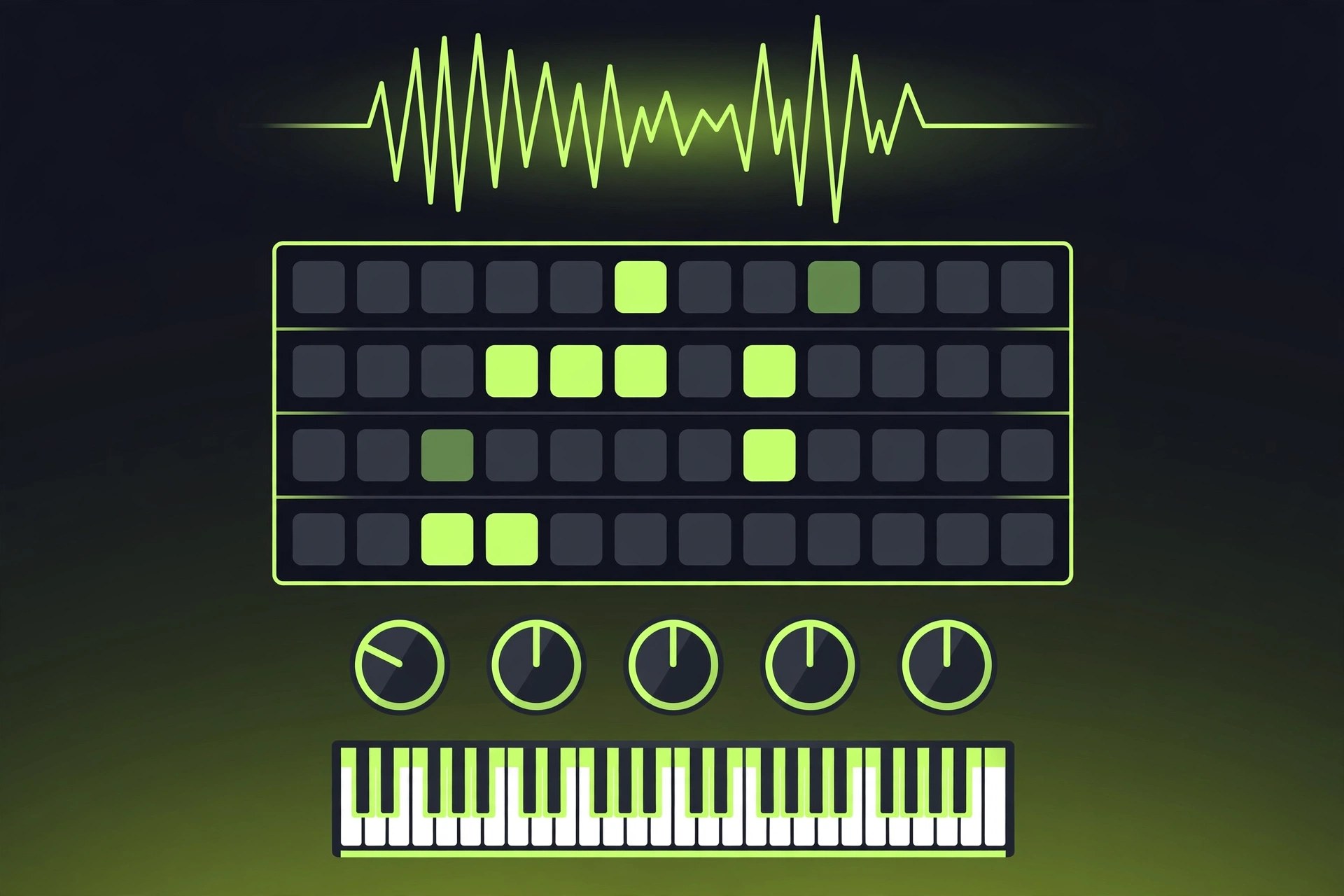
Mac AudioHarmonic Maximizer, from Audiority, is a mastering and mix-bus utility that combines a multiband exciter with a loudness maximizer. The exciter works across six frequency bands, generating harmonics that make tracks sound clearer, bigger and more present, while the maximizer section adds saturation and controlled loudness with auto gain and auto release doing the housekeeping. Version 1.3 for Mac is built on Audiority's current framework, with high-quality processing and a resizable interface for detailed work.
Key Features
- Six-band multiband exciter for adding clarity and harmonic richness
- Loudness maximizer section with saturation for punch and size
- Auto gain and auto release for easier, more transparent operation
- Blending control to mix the processed signal with the dry track
- VST2, VST3, AU, AAX and CLAP formats, Universal 2 for Apple silicon and Intel
How to Download
- Check your DAW supports VST3, AU or AAX plug-ins on macOS.
- Download the installer from the developer: Download from the official site
- Install Harmonic Maximizer, place it on a mix bus or master track, and raise the exciter bands gently until the mix opens up.
System Requirements
Harmonic Maximizer 1.3 requires a recent version of macOS and runs as a Universal 2 binary on Apple silicon and Intel Macs, in VST2, VST3, AU, AAX and CLAP hosts. Presets and licences live in the shared Audiority user folder.
FAQs
Where should I use Harmonic Maximizer?
It was designed for the final stages of production — on a mix bus or master — but gentle settings also work on individual tracks that need presence, such as vocals or acoustic guitar.
Is it a paid plug-in?
Yes. It is a commercial Audiority plug-in with a downloadable demo on the official product page, where you will also find the current price.