
AweEraser 5.1 for Mac
Mac SecurityAweEraser, from Magoshare, is a data-erasure tool for Mac, built for the moment you sell, donate or recycle a computer or drive. Normal deletion leaves data recoverable; AweEraser overwrites it using certified erasure standards, including DoD 5220.22-M and U.S. Army AR380-19, so files, whole drives or just the free space on a drive can be wiped beyond practical recovery. It also includes an app uninstaller and a browser cleaner.
Key Features
- Erase individual files and folders permanently, beyond recovery
- Wipe an entire hard drive or external storage device securely
- Erase only free space, destroying previously deleted data without touching current files
- Certified erasure algorithms based on military and government standards
- Extras including an app uninstaller and browser privacy cleaning
How to Download
- Check the system requirements below so the app fits your Mac and macOS version.
- Get the installer safely: use the green Download button on this page or visit the developer's website directly.
- Open the downloaded file, follow the installer steps, and launch the app from Applications.
System Requirements
Magoshare lists AweEraser 5.1 as supporting macOS Ventura and a range of earlier releases back through Mojave and beyond, on an Apple silicon or Intel Mac. Check the official product page for support on the very latest macOS before relying on it.
FAQs
Can erased data be recovered afterwards?
That is the point of the tool: data overwritten with its certified algorithms is not recoverable with normal data-recovery software. Double-check your backup before erasing anything.
Does erasing free space damage my current files?
No — free-space erasure targets only space already marked empty, where deleted files still linger. Your existing files are left alone, but a backup is still wise.
AweCleaner Professional 5.5 for Mac
AweCleaner Professional 5.5 for Mac
Mac UtilitiesAweCleaner, from Magoshare, is an all-in-one cleaning and maintenance utility for Mac, and the Professional edition is its fuller-featured version. It scans for junk left behind by the system and apps, and bundles the everyday housekeeping tools most people look for in one window: an uninstaller that removes leftovers, duplicate and large-file finders, a startup-item manager, a privacy cleaner and a file shredder for sensitive documents.
Key Features
- Junk cleaner for system, app, iTunes and Trash leftovers
- Uninstaller that removes apps and plug-ins along with their leftover files
- Duplicate-file and large-file finders to reclaim disk space
- Startup-item and process managers, plus a one-click memory free-up tool
- Privacy cleaner for browser traces and a file shredder for permanent deletion
How to Download
- Check the system requirements below so the app fits your Mac and macOS version.
- Get the installer safely: use the green Download button on this page or visit the developer's website directly.
- Open the downloaded file, follow the installer steps, and launch the app from Applications.
System Requirements
AweCleaner has historically supported OS X 10.7 and later, so version 5.5 should run on a recent version of macOS on an Apple silicon or Intel Mac. Confirm the exact supported systems on Magoshare's official site before buying, especially on the newest macOS.
FAQs
Should I let a cleaner delete files automatically?
Review the scan results before confirming any cleanup, and keep a current backup. Reputable cleaners only target caches and junk, but your own check is the safety net.
Is there a free version?
Magoshare has offered trial or limited versions of AweCleaner. The official site lists what the Professional edition adds and its current price.

Awaken 6.4.5 for Mac
Awaken 6.4.5 for Mac
Mac UtilitiesAwaken, from Embraceware, turns your Mac into a music alarm clock and sleep timer. You can wake up to songs or playlists from your music library, with the volume and screen brightness fading in gently, and fall asleep to music that fades out on a timer. It also handles reminders, can launch a file or app when an alarm fires, and offers built-in ambient sounds.
Key Features
- Multiple alarms and timers, one-off or repeating, with labels
- Wake to music or podcasts, with gradual volume and brightness fade-in
- Sleep timer that fades music out so you can drift off
- Built-in ambient sounds and preset alarm sounds as a fallback
- Can open an app or file at alarm time, and supports keyboard and remote control
How to Download
- Check the system requirements below so the app fits your Mac and macOS version.
- Get the installer safely: use the green Download button on this page or visit the developer's website directly.
- Open the downloaded file, follow the installer steps, and launch the app from Applications.
System Requirements
Awaken 6.x runs on a recent version of macOS on an Apple silicon or Intel Mac — older releases went back to much earlier OS X versions. If you want Awaken to wake a sleeping Mac, the developer's free AwakenHelper add-on is needed; check the developer's site for details.
FAQs
Can Awaken wake my Mac from sleep?
With the developer's separate AwakenHelper installed, it can schedule wake times so the Mac is awake when the alarm is due. Without it, the Mac needs to already be awake.
Is Awaken still the iTunes-based version I remember?
The app grew up with iTunes and was updated for Apple's Music app era. Features that depend on your music library use whatever library your current macOS provides.
AVTouchBar 3.0.7 for Mac
AVTouchBar 3.0.7 for Mac
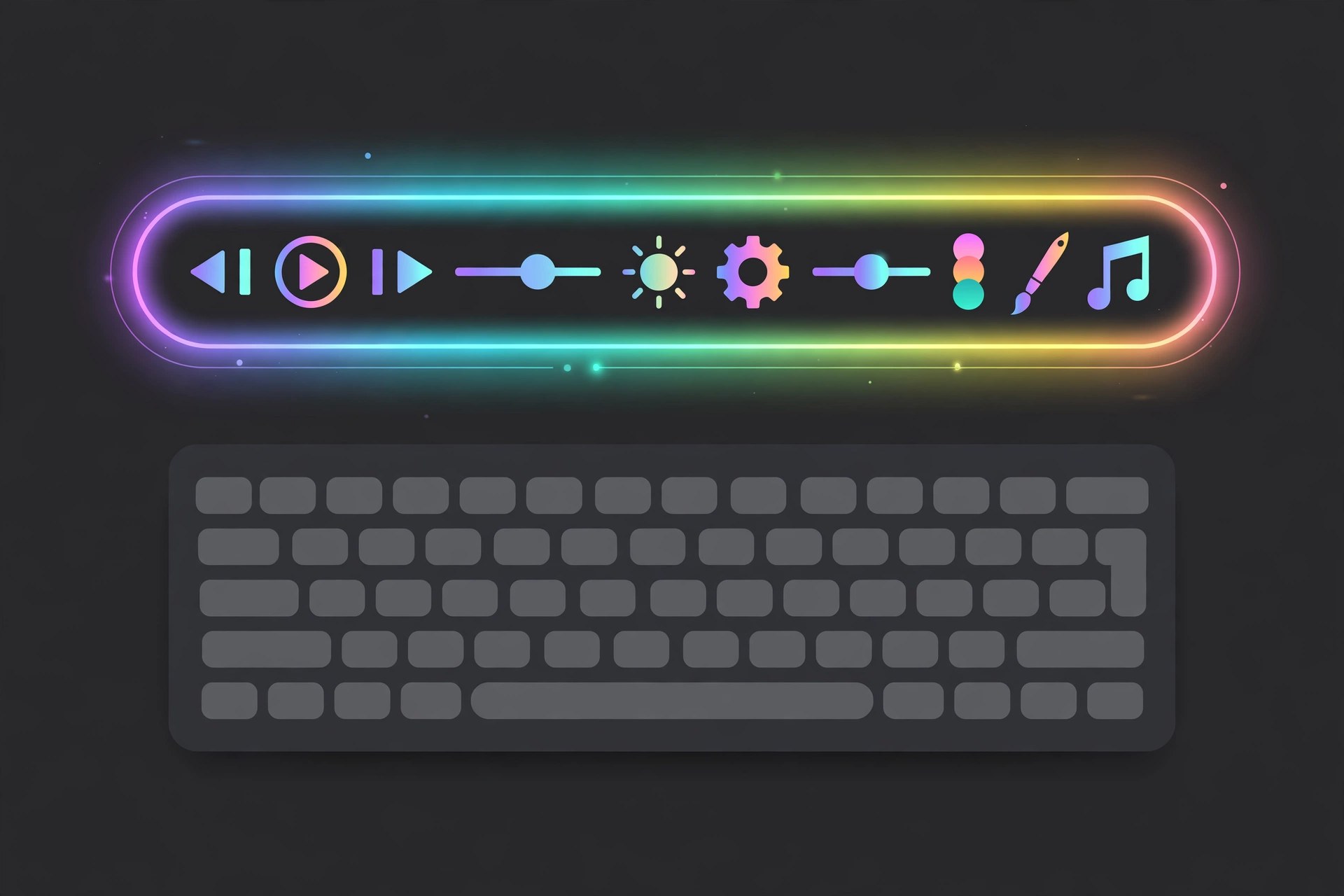
Mac UtilitiesAVTouchBar is a small, free Mac utility that turns the Touch Bar on a MacBook Pro into a live audio visualizer. Music and other audio playing through your Mac (or picked up by the microphone) is drawn as animated bars and colours on the Touch Bar itself. It is a fun, lightweight extra for Touch Bar machines, with gestures and colour options so you can make the display your own.
Key Features
- Real-time audio visualization drawn directly on the Touch Bar
- Works with system audio and the internal microphone
- Custom colour gradients you can create, save and share
- Touch Bar gestures to change colours, adjust volume and enter full-screen mode
- Automatically creates an aggregate audio device when one is needed
How to Download
- Check the system requirements below so the app fits your Mac and macOS version.
- Get the installer safely: use the green Download button on this page or visit the developer's website directly.
- Open the downloaded file, follow the installer steps, and launch the app from Applications.
System Requirements
AVTouchBar needs a MacBook Pro with a physical Touch Bar — Macs without one cannot show it. Version 3.0.7 was listed for macOS 10.15 and later; on newer macOS versions, check the developer's page for current compatibility notes.
FAQs
Is AVTouchBar free?
Yes, it has been distributed as a free utility. Download it only from the developer's own page or a reputable listing to avoid bundled extras.
Will it work on an Apple silicon Mac?
Only if that Mac has a Touch Bar. Most Apple silicon models have no Touch Bar, so on those machines there is nothing for the visualizer to draw on.

Avid Sibelius Ultimate 2026.9 for Mac
Avid Sibelius Ultimate 2026.9 for Mac
Mac AudioSibelius Ultimate is Avid Technology's flagship music notation software, used by composers, arrangers, educators and publishers to write, edit and print scores. On Mac it offers fast note entry, detailed engraving controls, playback with sampled sounds, and tools for sharing scores. Sibelius is sold in three tiers — First, Artist and Ultimate — with Ultimate carrying the full feature set, and regular updates through 2026 have added engraving and plug-in improvements.
Key Features
- Fast score writing with keyboard, mouse and MIDI entry
- Professional engraving, layout and part-extraction tools
- Playback and audio export, with VST3 and AU plug-in support in recent versions
- Cloud Sharing of scores in Ultimate, via a viewable link
- ManuScript plug-in language and a large library of add-ons (Ultimate)
How to Download
- Check the system requirements below so the app fits your Mac and macOS version.
- Get the installer safely: Download from the official site.
- Open the downloaded file, follow the installer steps, and launch the app from Applications.
System Requirements
Sibelius 2026 releases run on a recent version of macOS — Avid lists support for Apple's latest macOS releases — on an Apple silicon or Intel Mac. Check Avid's official requirements for the exact minimum for your build before installing.
FAQs
Is there a free trial?
Yes. Avid offers a free 30-day trial of Sibelius Ultimate from its official site, and the entry Sibelius First tier is free with a more limited feature set.
Do I need Ultimate, or is a lower tier enough?
Artist suits many students and hobbyists, while Ultimate adds the full engraving, cloud-sharing and plug-in features professionals rely on. Compare the tiers on Avid's site.
Avid Pro Tools HD 10.3.10 for Mac
Avid Pro Tools HD 10.3.10 for Mac
Mac AudioPro Tools is Avid Technology's flagship digital audio workstation for recording, editing and mixing music and audio for film and TV. The 10.3.10 HD release named in older listings was a legacy hotfix update for the Pro Tools HD 10 generation — a maintenance release for existing HD owners of that era, not a full modern installer. Today's Pro Tools line is sold in Intro, Artist, Studio and Ultimate tiers.
Key Features
- Multitrack recording, editing and mixing for music and audio post
- Playlist-based comping and detailed MIDI editing in modern versions
- Large library of included effects, instruments and sounds by tier
- Current releases add modern features such as stem separation in the 2026 line (per Avid)
- Supports AAX plug-ins and a wide range of audio interfaces
How to Download
- Check the system requirements below so the app fits your Mac and macOS version.
- Get the installer safely: Download from the official site.
- Open the downloaded file, follow the installer steps, and launch the app from Applications.
System Requirements
The legacy HD 10.3.10 hotfix only applied to an existing Pro Tools HD 10 installation on a qualified system of its time. For a new install today, use a current Pro Tools release, which needs a recent version of macOS on an Apple silicon or Intel Mac — check Avid's requirements for the exact build.
FAQs
Is the 10.3.10 hotfix a full version of Pro Tools?
No. It was an update-only hotfix for people who already owned Pro Tools HD 10. Anyone starting today should get a current Pro Tools tier from Avid instead.
Is there a free Pro Tools?
Avid offers Pro Tools Intro as a free tier, and trials of paid tiers are offered on the official site from time to time. This page does not provide licences or installers for paid editions.

Avid Media Composer 2026.8 for Mac
Avid Media Composer 2026.8 for Mac
Mac VideoMedia Composer is Avid Technology's professional non-linear video editor, long used in film and television post-production. On Mac it handles large, complex projects with many tracks and collaborators, offering precise trimming, colour and audio tools, and reliable media management. Current releases run natively on Apple silicon as well as Intel Macs, and are offered in tiers from the free First edition up to Ultimate and Enterprise.
Key Features
- Professional timeline editing with precise trim and segment tools
- Strong media management for large projects and shared storage workflows
- Support for high-resolution and HDR media and proxy workflows
- Multicam editing, effects, titles and colour correction tools
- Interoperability with Pro Tools sessions for audio post hand-off
How to Download
- Check the system requirements below so the app fits your Mac and macOS version.
- Get the installer safely: use the green Download button on this page or visit the developer's website directly.
- Open the downloaded file, follow the installer steps, and launch the app from Applications.
System Requirements
Recent Media Composer releases support macOS Sonoma and later (check Avid's version matrix for your exact build) on Apple silicon (M-series) or qualified Intel Macs. Generous RAM and fast storage are strongly recommended for HD and higher work.
FAQs
Is there a free version?
Avid has offered Media Composer First as a free entry tier, alongside paid standard and Ultimate subscriptions and perpetual options. Check Avid's official site for the current tier lineup.
Can beginners use Media Composer?
It is built for professional editors, so the learning curve is real, but Avid provides documentation and training resources, and the free tier is a low-risk way to learn it.

Avernum 3: Ruined World for Mac
Avernum 3: Ruined World for Mac
Mac UtilitiesAvernum 3: Ruined World is a single-player fantasy role-playing game from Spiderweb Software, and the closing chapter of the Avernum trilogy. Your party of exiles finally reaches the surface world, only to find it plagued by monsters and disaster. On Mac it plays as a large, turn-based, story-driven RPG with towns, dungeons and choices that shape how the surface responds to your actions over time.
Key Features
- Huge open world with many towns, dungeons and quests to explore
- Turn-based tactical combat with a custom party of adventurers
- A long main story plus many side quests and hidden areas
- Multiple ways to deal with the plagues threatening the surface
- A complete, self-contained finale that also welcomes new players
How to Download
- Check the system requirements below so the app fits your Mac and macOS version.
- Get the installer safely: Download from the official site.
- Open the downloaded file, follow the installer steps, and launch the app from Applications.
System Requirements
The Mac version originally required macOS 10.7 or later with modest hardware — around a 1.2 GHz processor, 512 MB of RAM and about 500 MB of free space — so any recent Mac running a recent version of macOS should handle it comfortably.
FAQs
Is Avernum 3 a remake?
Yes, in spirit. It is Spiderweb's modern rebuild of the classic Avernum 3 for current systems, released for Mac in 2018, with the same story rebuilt in a newer engine.
Where can I buy it legitimately?
From Spiderweb Software's own site and from authorised stores such as Steam and GOG. This page does not offer the game itself for free.

Avenza MAPublisher for Adobe Illustrator 12.0 for Mac
Avenza MAPublisher for Adobe Illustrator 12.0 for Mac
Mac Photo & DesignMAPublisher, from Avenza Systems, adds a large set of GIS and cartography tools directly inside Adobe Illustrator on Mac. Map makers can import real spatial data, keep its attributes and coordinates, and then use Illustrator's drawing and typography tools to finish a polished, print-ready map. It is aimed at cartographers, publishers and GIS teams who want design control without losing the underlying geography.
Key Features
- Import a wide range of GIS data formats into Illustrator with coordinates and attributes intact
- More than seventy mapping tools integrated as native-style Illustrator panels
- Label, style and lay out maps using live attribute data
- Export maps for print, web and other GIS formats
- Current release supports recent Illustrator versions and recent macOS releases, including Apple silicon Macs
How to Download
- Check the system requirements below so the app fits your Mac and macOS version.
- Get the installer safely: Download from the official site.
- Open the downloaded file, follow the installer steps, and launch the app from Applications.
System Requirements
MAPublisher 12.0 needs a licensed copy of a compatible Adobe Illustrator version (the current line supports Illustrator 2025 and 2026) and a recent version of macOS, on an Apple silicon or Intel Mac. An Avenza licence is required.
FAQs
Do I need Illustrator to use MAPublisher?
Yes. MAPublisher is a plug-in for Adobe Illustrator, so a compatible Illustrator installation and subscription are required before it can run.
Can I try it before buying?
Avenza offers evaluation and licensing information on its official site, and licences are also sold with maintenance options — check the current terms there.

Avenza Geographic Imager for Adobe Photoshop 7.1 for Mac
Avenza Geographic Imager for Adobe Photoshop 7.1 for Mac
Mac Photo & DesignGeographic Imager, from Avenza Systems, is a plug-in that turns Adobe Photoshop into a tool for working with geospatial imagery on Mac. Instead of treating an aerial photo or satellite image as a flat picture, it keeps the map coordinates attached, so cartographers, GIS staff and image editors can import, edit and export spatial images inside the Photoshop workspace they already know, using a dedicated panel for the geographic tasks.
Key Features
- Import geospatial images such as aerial and satellite imagery while preserving their spatial reference
- Edit raster imagery in Photoshop without losing georeferencing information
- Work through a dedicated Geographic Imager panel integrated into Photoshop
- Export images in geospatial formats for use in GIS and mapping workflows
- Current release supports recent Photoshop versions and recent macOS releases
How to Download
- Check the system requirements below so the app fits your Mac and macOS version.
- Get the installer safely: Download from the official site.
- Open the downloaded file, follow the installer steps, and launch the app from Applications.
System Requirements
Geographic Imager 7.1 needs a licensed copy of a compatible Adobe Photoshop version (the 7.x line supports Photoshop 2025 and 2026) and a recent version of macOS, on an Apple silicon or Intel Mac. A valid Avenza licence is also required.
FAQs
Do I need Photoshop to use Geographic Imager?
Yes. Geographic Imager is an extension for Adobe Photoshop, not a standalone editor, so you need a compatible Photoshop installation and subscription first.
Is there a cheaper edition?
Avenza lists a Basic Edition alongside the full licence on its official site, so check the current editions and pricing there before buying the full version.